

Abstract
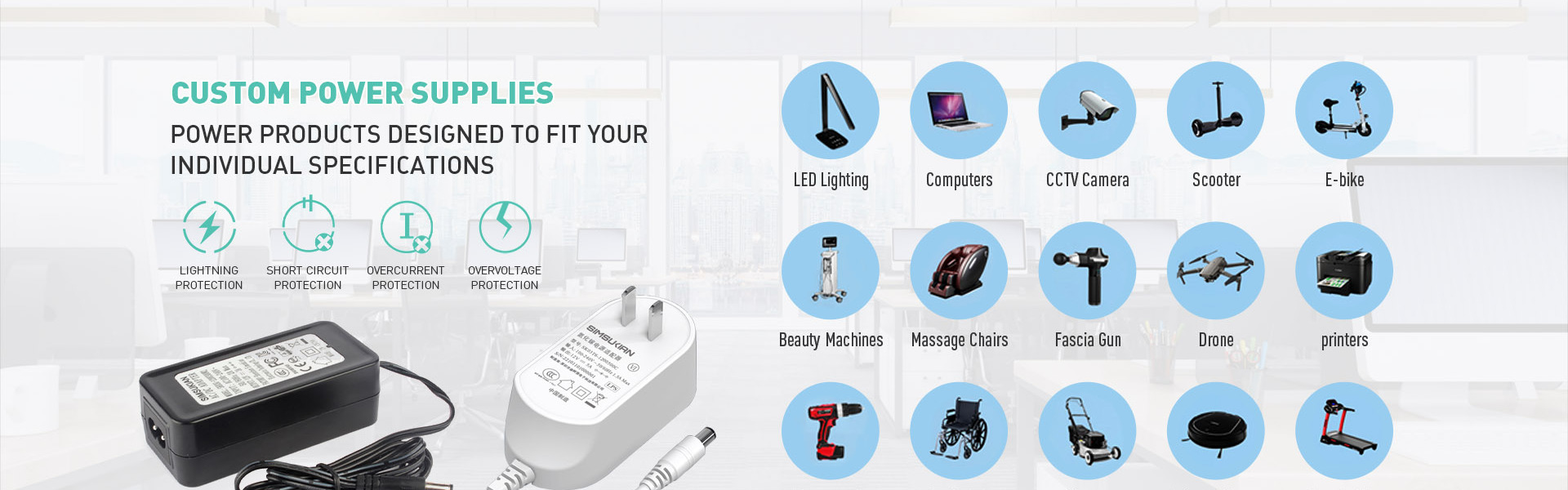
Serving different devices, an desktop power adapter must match connector outer diameter, inner diameter and polarity. Locking structure and contact reliability decide whether the desktop power adapter is pulled out accidentally.
1. Common Connector Types and Pairing
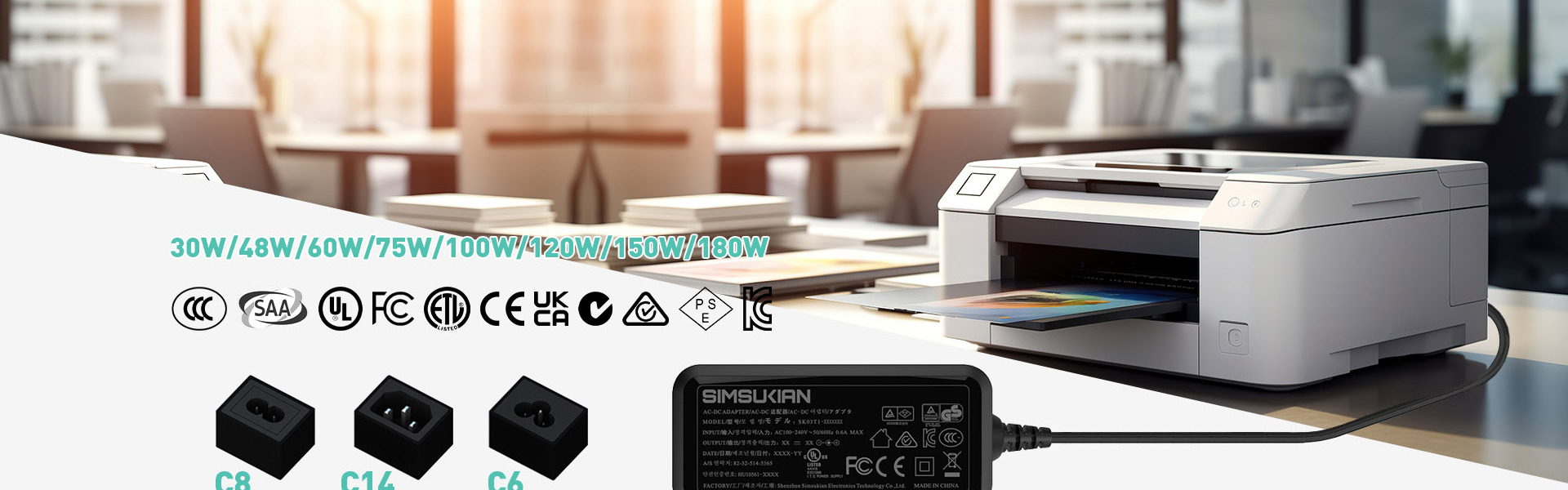
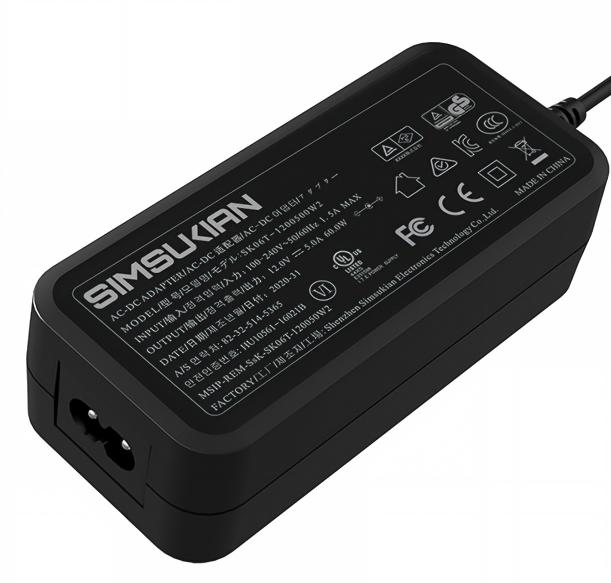
Outputs of the desktop power adapter include barrel plugs, multi-pin circular connectors, terminal blocks and USB-C. Barrel plugs must match outer diameter, inner diameter and pin length, since deviation causes poor contact or no insertion in the desktop power adapter. Multi-pin connectors often serve industrial and AV devices, with pin assignment following device manuals.
2. Polarity Marking and Reverse-insertion Protection
Barrel plugs of the desktop power adapter come with centre positive or centre negative, and reversal may damage devices. Polarity symbols belong on plug and cord, and in the manual of the desktop power adapter. Polarity-sensitive devices suit keyed connectors that physically prevent wrong polarity.
3. Latch and Retention Design
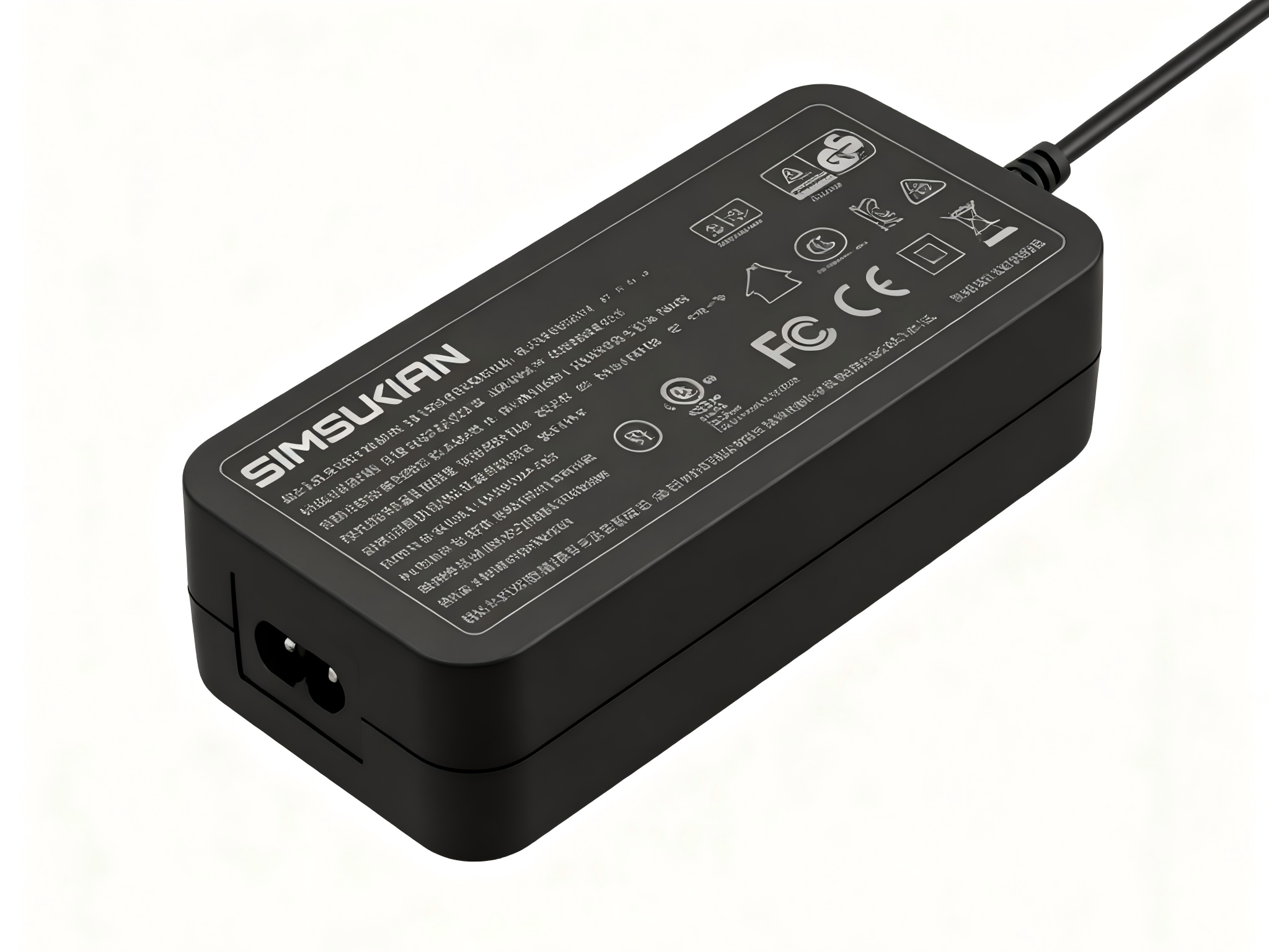
When equipment moves or cords are pulled, the plug of the desktop power adapter may come out and interrupt power. Locking circular connectors or threaded retention raise holding force in the desktop power adapter. Without locking, cable ties and routing clamps keep pull force off the plug.
4. Contact Reliability and Mating Life
Contact area and plating of the desktop power adapter set resistance, and wear raises it as cycles accumulate. Plugs should fit firmly: too loose causes micro-interruption, too tight makes mating hard in the desktop power adapter. Mating life follows use frequency, and frequent mating needs wear-resistant plating.
5. Device Matching and Selection List
Before delivery, the desktop power adapter is checked against device interface type, polarity, rated current and plug dimensions. The selection list states compatible models and connector specs to prevent wrong shipments of the desktop power adapter. Where one model has versions, confirm by nameplate or photo rather than guessing from the model code.
Conclusion
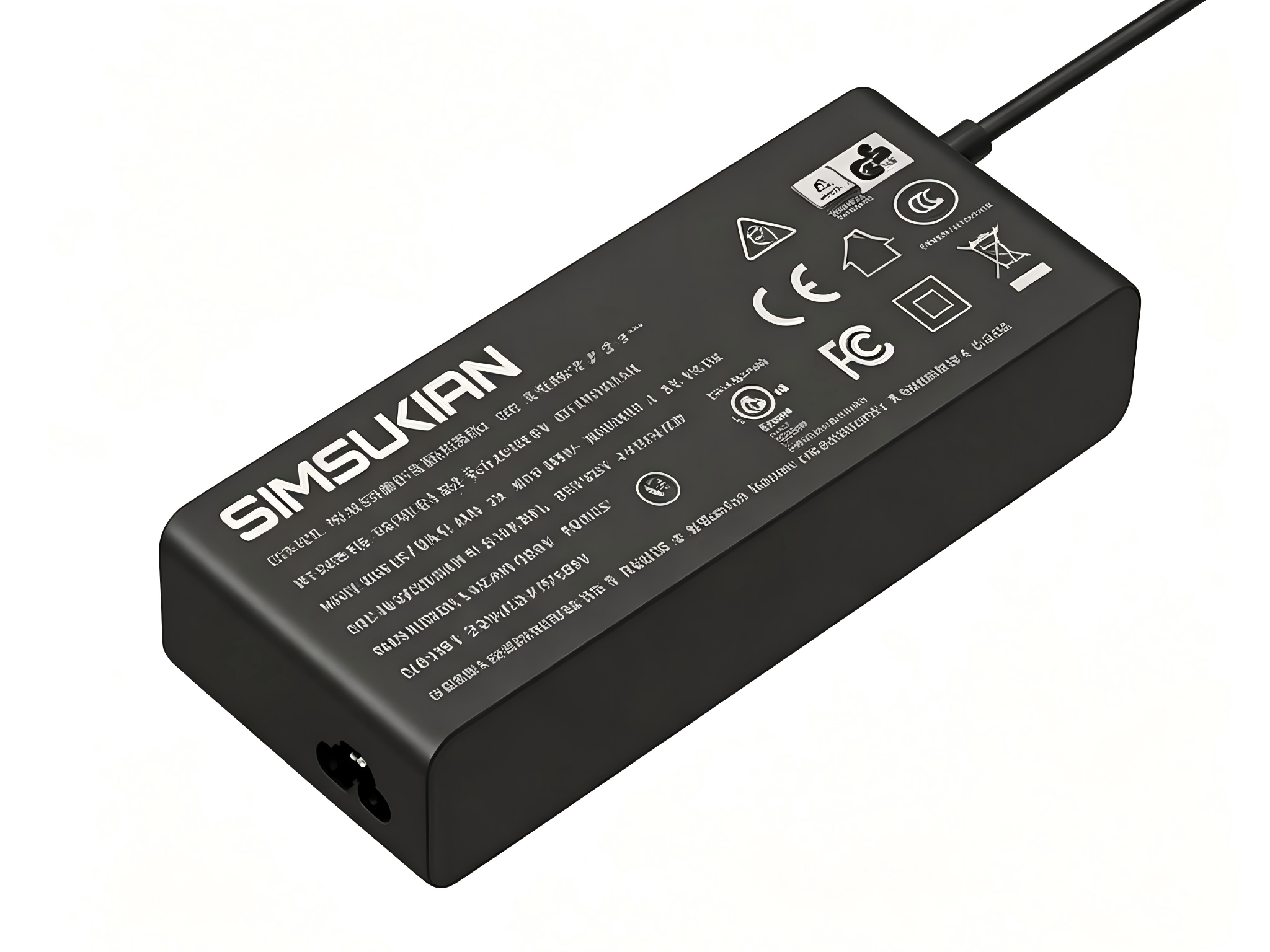
The output connector of a desktop power adapter is the last interface to the device, and a small dimensional or polarity error blocks use. Simsukian matches connectors to device lists. Overseas buyers are welcome to contact Simsukian to confirm interface specifications of the desktop power adapter.
FAQ
Q1: Does Simsukian support OEM and ODM orders?
A1: Yes, Simsukian supports OEM & ODM customization, including logo, casing, parameter and packaging adjustment.
Q2: What certifications can Simsukian provide?
A2: Simsukian can provide CE, RCM, FCC, UL, CCC, KC/KCC, PSE, SAA certification certificates. The company holds ISO9001 and ISO14001 system certifications.
Q3: What is the sample lead time?
A3: Sample preparation takes 5 working days.
Q4: What trade terms can be accepted for cooperation?
A4: Simsukian supports FOB, and EXW can be discussed upon customer request.
Q5: What is the warranty period for the products?
A5: The product warranty period is 1 year.
References
1. Simsukian Official Website
2. IEC 62368-1 Audio/video, information and communication technology equipment – Safety requirements
3. IEC 60529 Degrees of protection provided by enclosures
Power adapter
Power adapter
Related Articles More>>
- Long Output Cord Voltage Drop and Conductor Sizing for Desktop Power Adapter
- Convertible Plug Power Adapter - Production Quality Control and Batch Consistency Technical Parameters for Multiple Pin Versions
- Low-ripple Pure Output & Precision Device Adaptation Advantages of Genuine Chargers
- Selection Guide of a GaN fast charger for High-Power Laptop Charging