

Article Summary
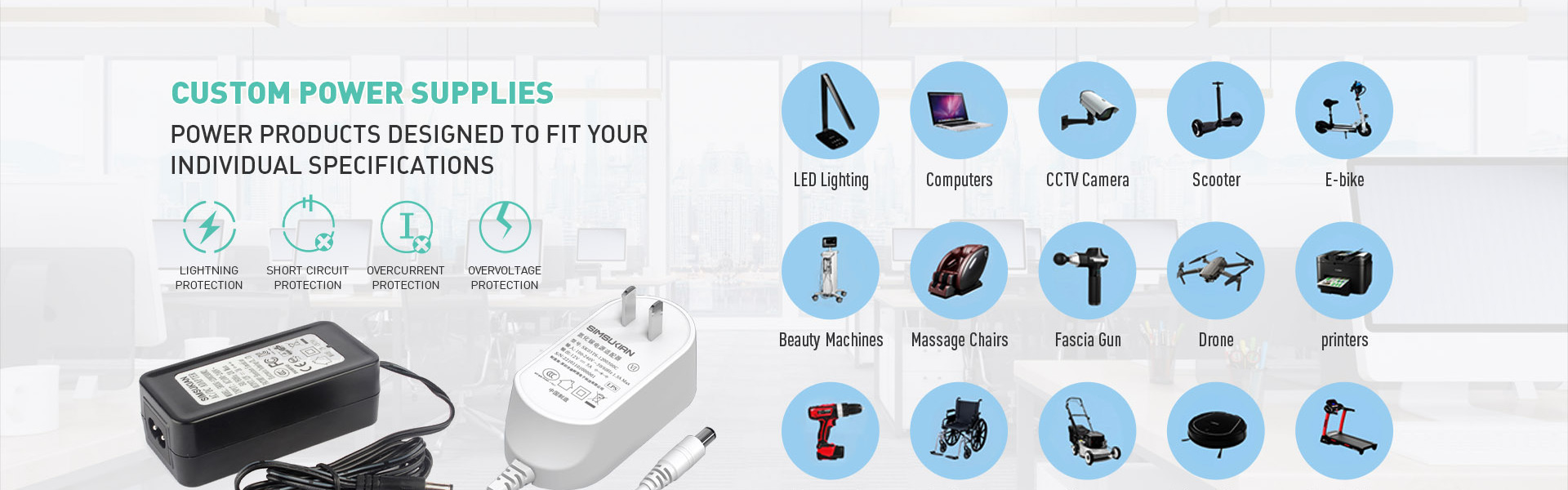
Choosing a desktop power adapter means reading beyond wattage. This guide covers input range, ripple, hold-up time, protections, DoE Level VI efficiency, and the verification steps that separate reliable desktop power adapters from field failures.
Why the Desktop Format Wins in Continuous-Duty Applications
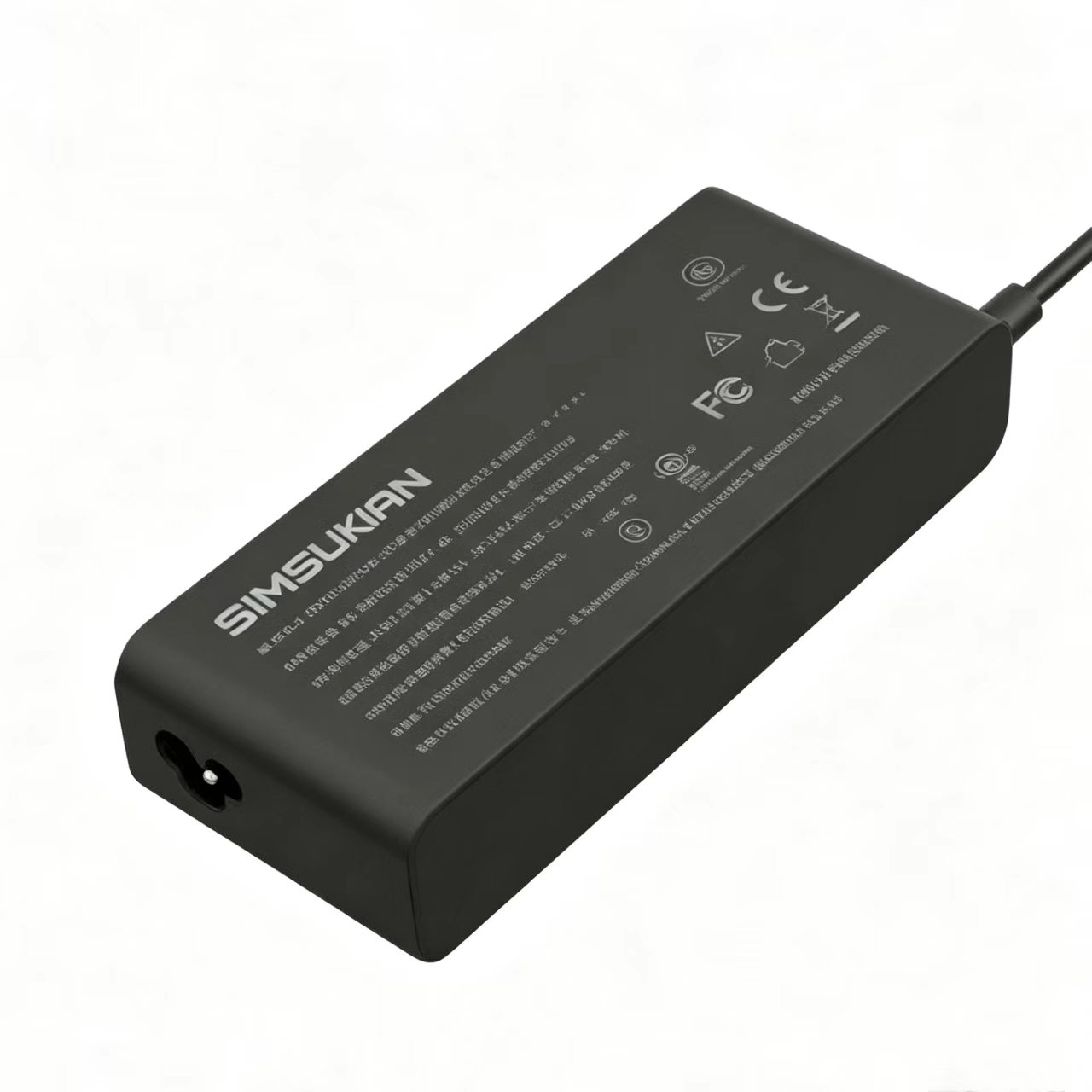
A desktop power adapter sits on a surface rather than in a wall outlet. That single design choice changes thermal behavior, load tolerance, and service life.
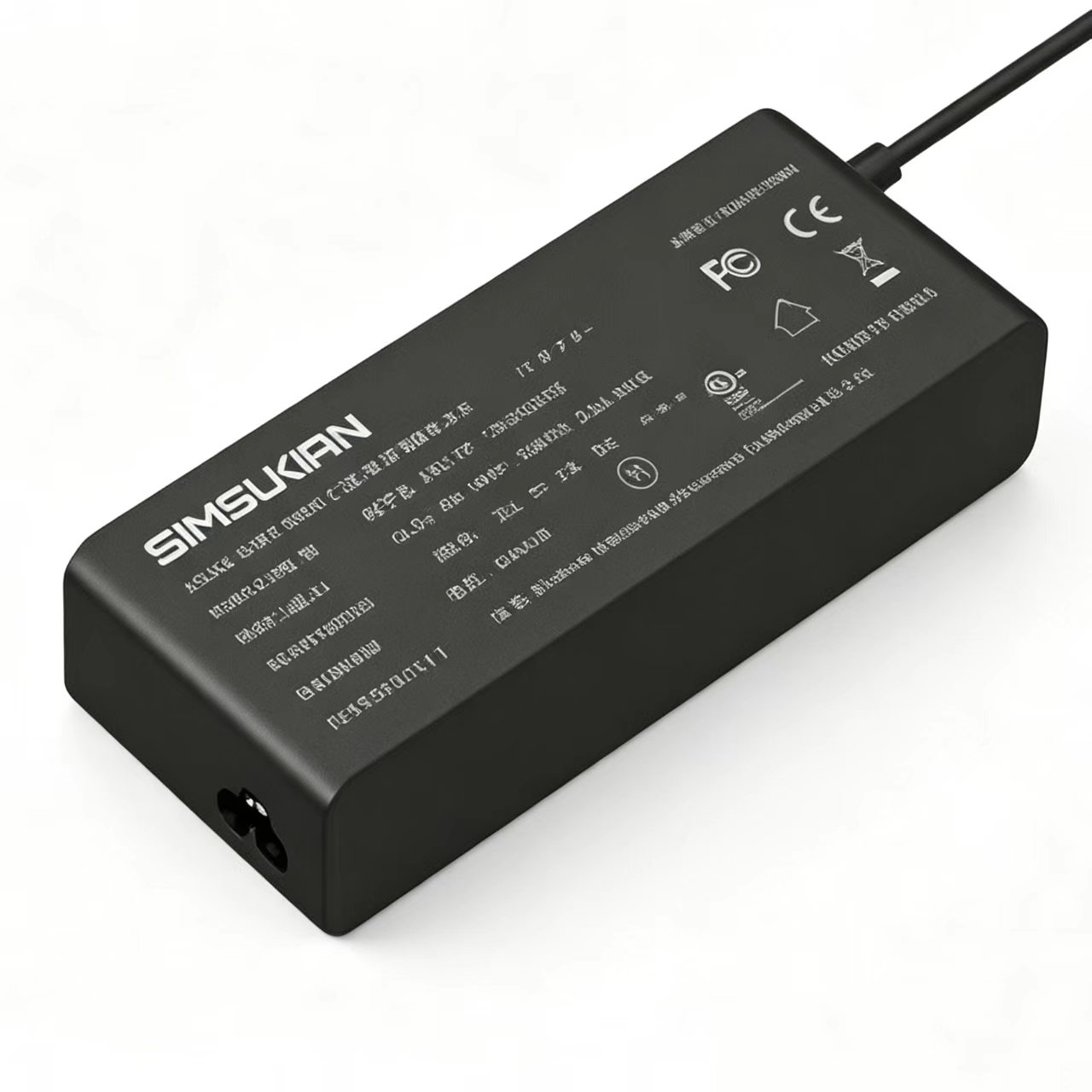
By separating the AC cord from the adapter body, a desktop power adapter gains a larger enclosure, more internal air volume, and natural convection cooling that wall-mount units cannot match. For equipment running 24/7—NVRs, POS terminals, industrial control boards, LED drivers—this thermal margin decides whether the unit survives two years or ten.
XP Power, a UK-based power supply manufacturer, notes that the desktop power adapter format supports higher power ratings and greater AC cord flexibility than wall-mount designs. For US buyers sourcing equipment rated 100–240VAC, that flexibility matters.
The Technical Parameters That Actually Matter
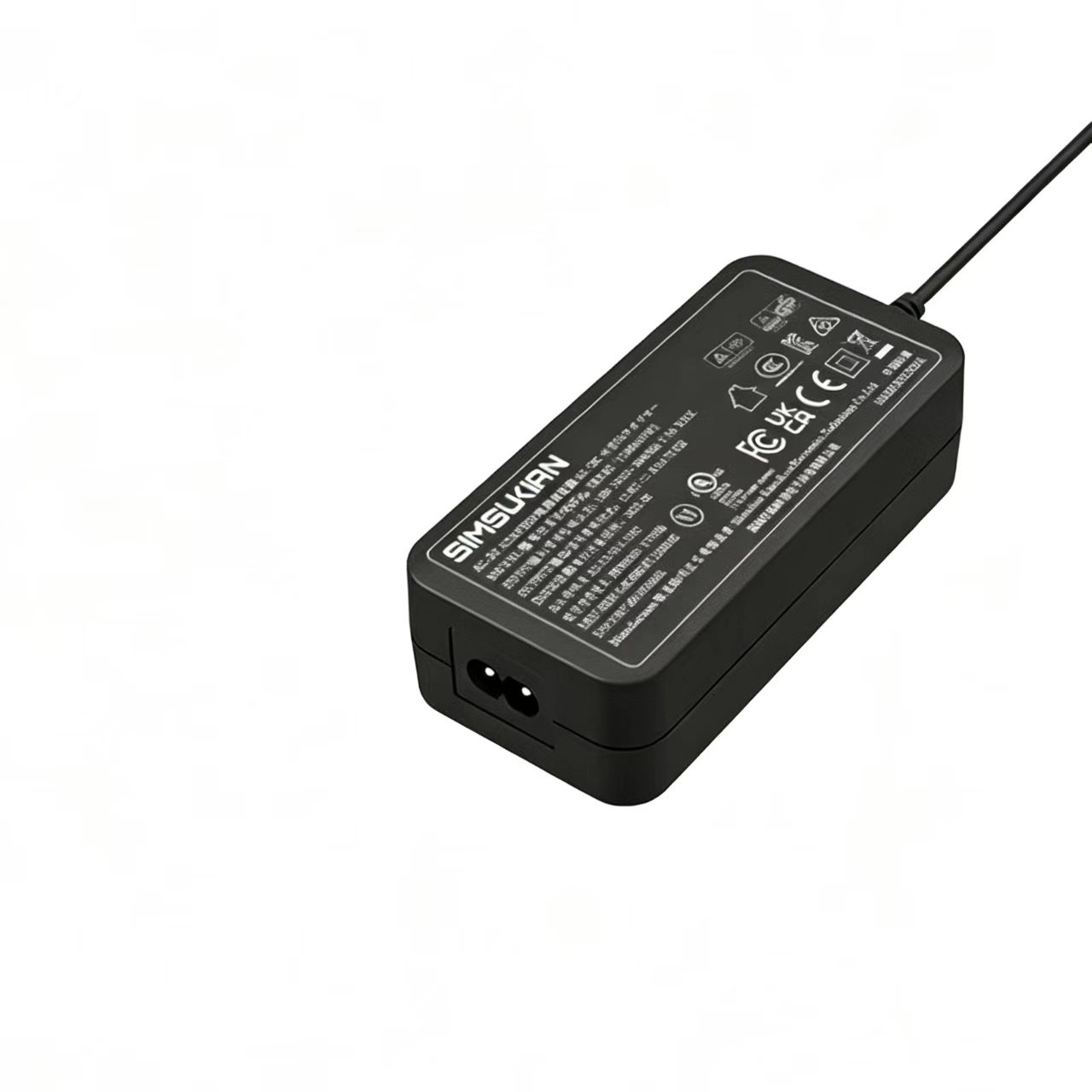
A datasheet full of numbers means little without knowing which ones predict failure. These are the parameters that do.
Input and Output Ranges
Most desktop power adapters accept 100–240VAC at 50/60Hz, with tighter designs rated 90–264VAC for brownout resilience. Output voltages typically span 5V to 20V, fixed or selectable, with rated currents from 0.01A to several amperes depending on power class.
Regulation and Ripple
Voltage accuracy is table stakes. Load regulation and ripple reveal design quality. A desktop power adapter specifying ±5% load regulation and 200mVp-p ripple indicates solid filtering. For analog-sensitive loads—cameras, instrumentation—ripple below 120mV is often where interference disappears.
Hold-Up Time and Dynamic Response
Hold-up time at full load: 10ms at 115VAC is a common baseline. Dynamic response specs, measured at 0.5A/µs load slope, show how a desktop power adapter behaves when motors start or LEDs pulse. Poor dynamic response causes voltage sags that reset downstream equipment.
Protection Circuits
Overvoltage, overcurrent, short circuit, and over-temperature protection are mandatory for commercial deployment. A protected desktop power adapter shuts down safely; an unprotected one becomes a field failure.
Efficiency and No-Load Consumption
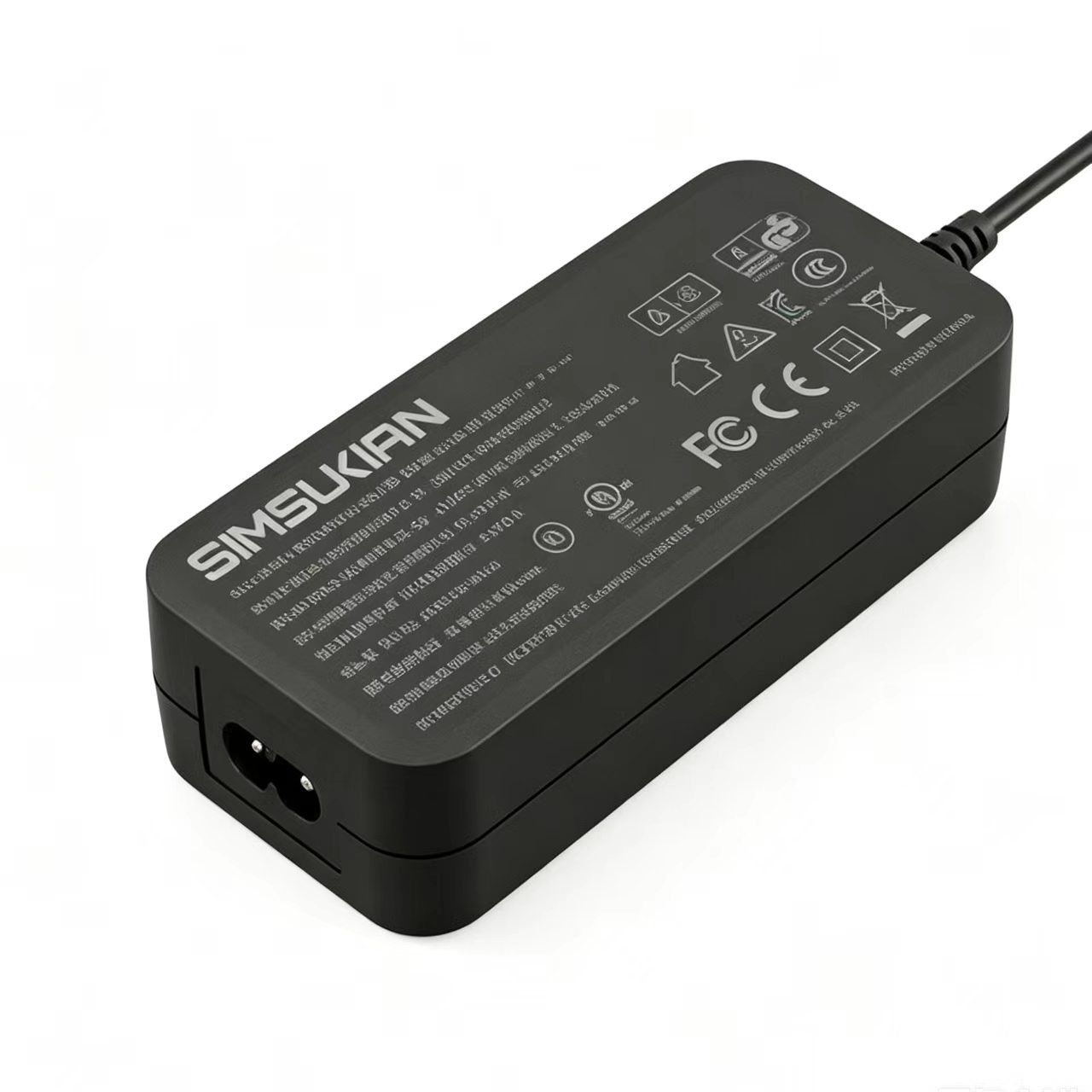
DoE Level VI compliance is the entry bar for US market access. No-load consumption should stay below 0.21W at 115VAC and 230VAC, with active-mode efficiency between 81% and 88% depending on voltage and load. These are regulatory thresholds, not marketing claims.
What US Sourcing Teams Should Verify
Datasheets are a starting point, not proof. Three checks separate credible suppliers from the rest.
Confirm the datasheet is model-specific. Generic specs copied across a product line are a warning sign. Ripple, line regulation, and current range should match the exact desktop power adapter being quoted.
Demand full-load aging data. A desktop power adapter that meets rated power briefly but sags under continuous load creates returns. Suppliers willing to share 100% burn-in results and temperature-rise data demonstrate real production control.
Verify certification coverage. For US deployment, UL 62368-1, FCC Part 15 Subpart B, and DoE Level VI are minimums. A supplier holding these across the entire desktop power adapter line, not one model, signals consistency.
Common Failure Modes Buyers Overlook
Three issues recur in field returns.
First, ripple that looks acceptable on a bench supply but worsens at temperature extremes. Second, no-load consumption that creeps above the DoE Level VI limit after aging. Third, protection circuits that exist on paper but not in the bill of materials.
Each of these traces back to a desktop power adapter chosen on price rather than verified performance.
Conclusion
A desktop power adapter is not a commodity. The gap between a $12 unit and a $28 unit appears in year two, not day one. Sourcing decisions built on ripple performance, thermal design, and verified protection circuits prevent failures that cost far more than the adapter itself.
For OEM programs and distribution buyers, the right desktop power adapter partner provides datasheets, aging reports, and certifications before the PO—not after.
Sourcing desktop power adapters for US distribution or OEM integration? Contact Simsukian for datasheets, burn-in reports, and certification documentation.
Reference Standards
1.UL 62368-1 Audio/video, information and communication technology equipment – Safety requirements
2.10 CFR Part 430 U.S. Department of Energy External Power Supply Energy Conservation Standard (DoE Level VI)
3.FCC Part 15 Subpart B Radio frequency emission limits for digital electronic devices
Power adapter
Power adapter
Related Articles More>>
- Standards for High-Low Temperature Burn-in Test and Long-term Stability Verification of Power Adapters
- Low-ripple Pure Output & Precision Device Adaptation Advantages of Genuine Chargers
- 12V2A Wall Plug Power Adapter | High-Compliance & Stable Export Solution
- PD GaN fast charger Safety and EMC Certification Guide for EU & US Export