

Abstract
A desktop power adapter usually lies flat on a desk with limited airflow, so the desktop power adapter relies on case conduction and natural convection. Fan schemes and opening positions set temperature rise and noise of the desktop power adapter.
1. Heat Path in Desktop Attitude
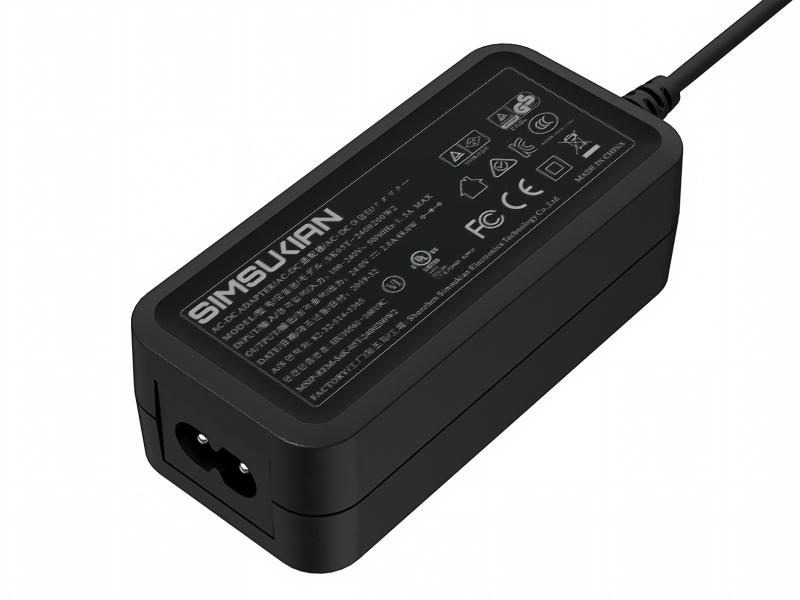
A desktop power adapter is usually placed horizontally, with its bottom against the desk and weaker heat release than sides and top. Heat travels from devices through thermal materials to the case and out by natural convection, and every resistance in the path raises internal temperature of the desktop power adapter. Temperature rise peaks in still, enclosed air and worsens inside shelves or cabinets.
2. Fanless versus Fan Solutions
At low and mid power a desktop power adapter can be fanless: simple, silent and free of fan life issues. At high power a fan forces convection in the desktop power adapter, giving strong cooling but adding noise, dust and bearing life concerns. Fan selection considers bearing type and expected life, since slow-running fans may seize from dust.
3. Intake and Outlet Placement
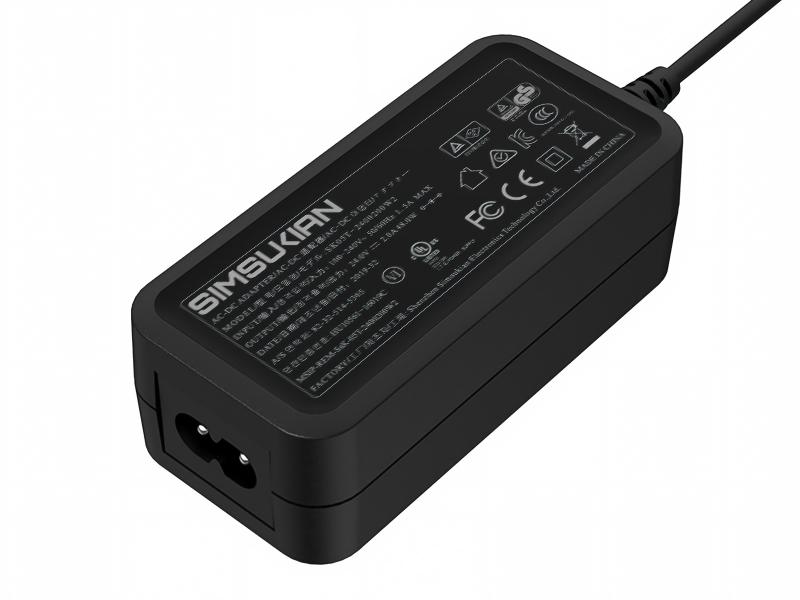
The intake of the desktop power adapter should avoid desk blockage and cable piles, while the outlet faces up or sideways to prevent hot air recirculation. Opening size balances cooling with foreign object protection, since large holes admit metal parts. Too close intake and outlet short-circuit hot air and cut cooling efficiency in the desktop power adapter.
4. Case Temperature and Touch Limits
Accessible surface temperature of the desktop power adapter must meet standard limits, judged differently for metal and plastic cases. Plastic housings conduct poorly, concentrating heat internally and giving uneven surface temperature in the desktop power adapter. In hot environments internal rise adds to ambient, approaching limits sooner.
5. Dust Accumulation and Maintenance
A desktop power adapter on a desk attracts dust, and intake blockage reduces airflow year by year. Removable filters or dust guards ease cleaning of the desktop power adapter. In dusty sites, assess whether higher ingress protection or a sealed fanless structure is needed.
Conclusion
Cooling of a desktop power adapter is not simply adding a fan but designing paths for placement and environment. Simsukian assesses thermal schemes by power and mounting. Overseas buyers are welcome to contact Simsukian to confirm thermal requirements for the desktop power adapter.
FAQ
Q1: Does Simsukian support OEM and ODM orders?
A1: Yes, Simsukian supports OEM & ODM customization, including logo, casing, parameter and packaging adjustment.
Q2: What certifications can Simsukian provide?
A2: Simsukian can provide CE, RCM, FCC, UL, CCC, KC/KCC, PSE, SAA certification certificates. The company holds ISO9001 and ISO14001 system certifications.
Q3: What is the sample lead time?
A3: Sample preparation takes 5 working days.
Q4: What trade terms can be accepted for cooperation?
A4: Simsukian supports FOB, and EXW can be discussed upon customer request.
Q5: What is the warranty period for the products?
A5: The product warranty period is 1 year.
References
1. Simsukian Official Website
2. IEC 62368-1 Audio/video, information and communication technology equipment – Safety requirements
3. IEC 60529 Degrees of protection provided by enclosures