

Abstract
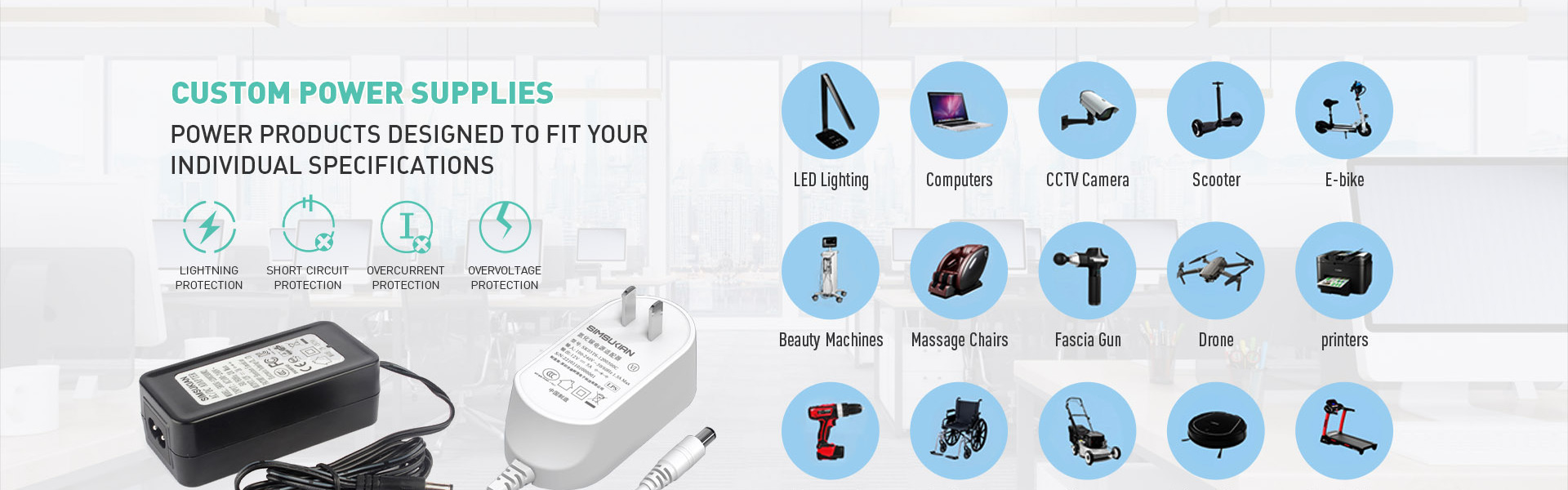
Multiple hardware protection circuits are built inside a desktop power adapter. Protection parameters define safety under fault conditions. Buyers must verify full threshold values of the desktop power adapter. Desktop power adapter over-voltage, over-current, short-circuit and over-temperature limits, focus on trigger behavior and recovery mode to protect downstream loads from damage.
1. OVP Over-Voltage Protection Parameters of Desktop Power Adapter
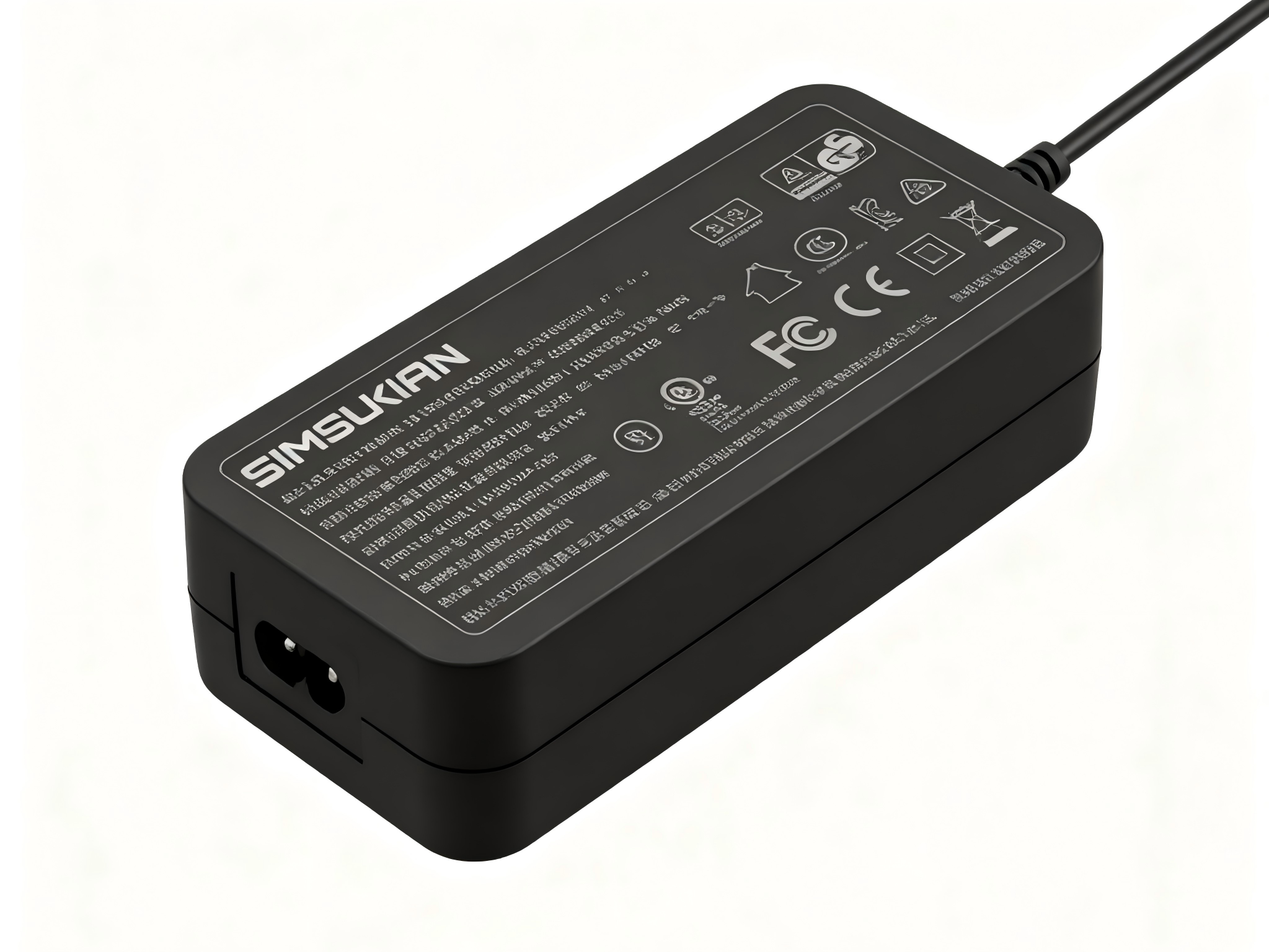
OVP circuit of the desktop power adapter prevents dangerous overvoltage at output. Trigger threshold sits at 115%~130% of rated DC output voltage. When output voltage exceeds the limit, the controller IC shuts down PWM drive and cuts power delivery from the desktop power adapter. Response time stays below 100ms to avoid voltage spikes destroying downstream components. Latch-off or auto-recovery modes are available for the desktop power adapter based on project requirements.
2. OCP Over-Current Protection Parameters of Desktop Power Adapter
OCP limits maximum output current of the desktop power adapter. The threshold is set at 105%~110% of rated output current. The desktop power adapter works in constant-current limiting mode. Once load current exceeds threshold, output voltage drops automatically to cap current. OCP of the desktop power adapter tolerates short current surges and distinguishes normal startup inrush from real overload faults.
3. SCP Short-Circuit Protection Parameters of Desktop Power Adapter
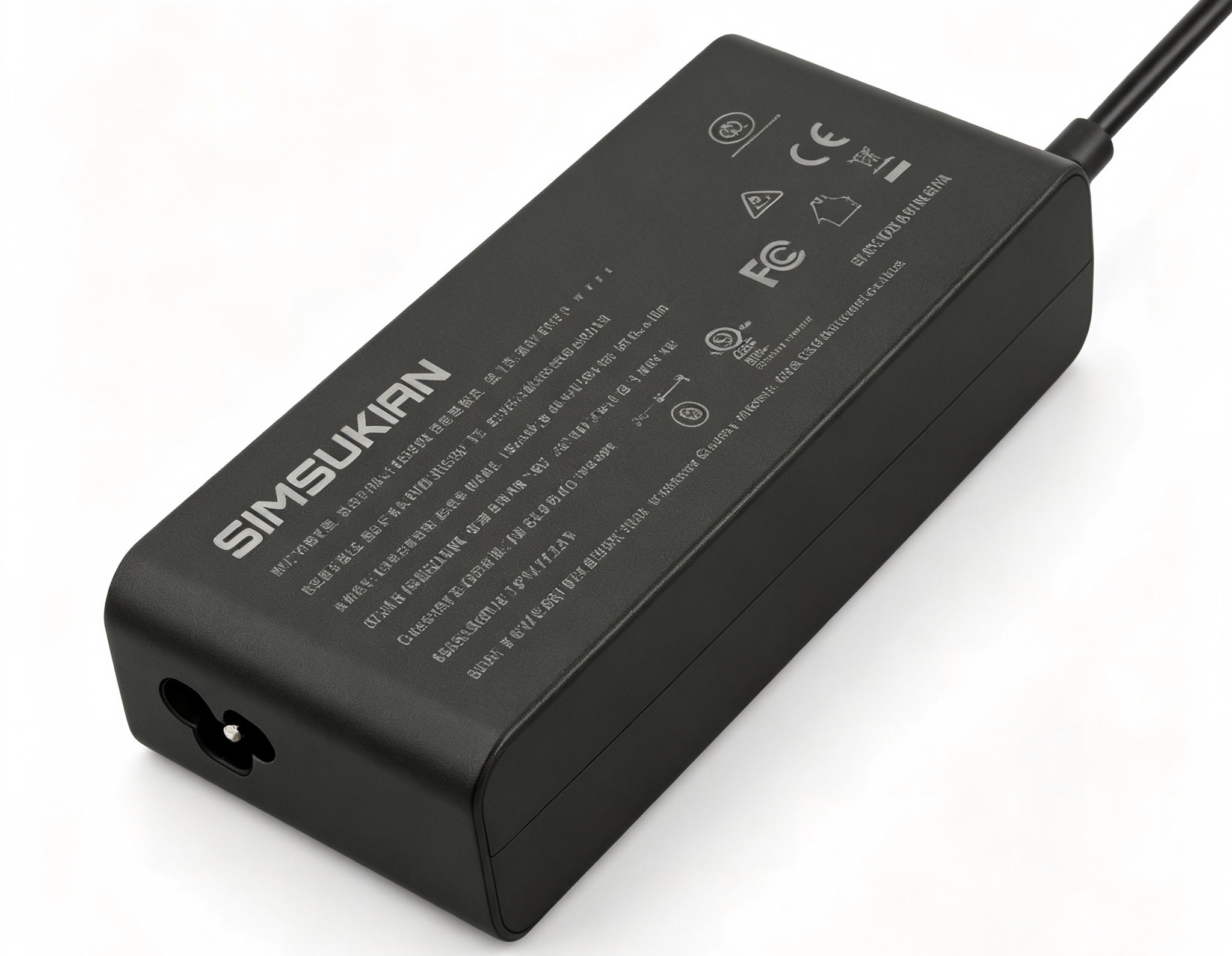
SCP is the highest priority protection of the desktop power adapter. It immediately shuts down power if DC output terminals are shorted. The desktop power adapter continuously monitors output current and disables PWM upon detection of extreme fault current. Auto-recovery variants of the desktop power adapter attempt periodic restart, while latch-off units require power cycle reset. The desktop power adapter must survive continuous short-circuit testing without fire or component burnout.
4. OTP Over-Temperature Protection Parameters of Desktop Power Adapter
OTP monitors hotspots on transformer and MOSFET inside the desktop power adapter. Trigger temperature ranges 85℃~105℃. Overload operation heats up power components inside the desktop power adapter. Once temperature hits threshold, protection circuit cuts power output. After cooling down to safe range, auto-recovery desktop power adapter resumes power, and latch-off types need manual power reset.
Conclusion
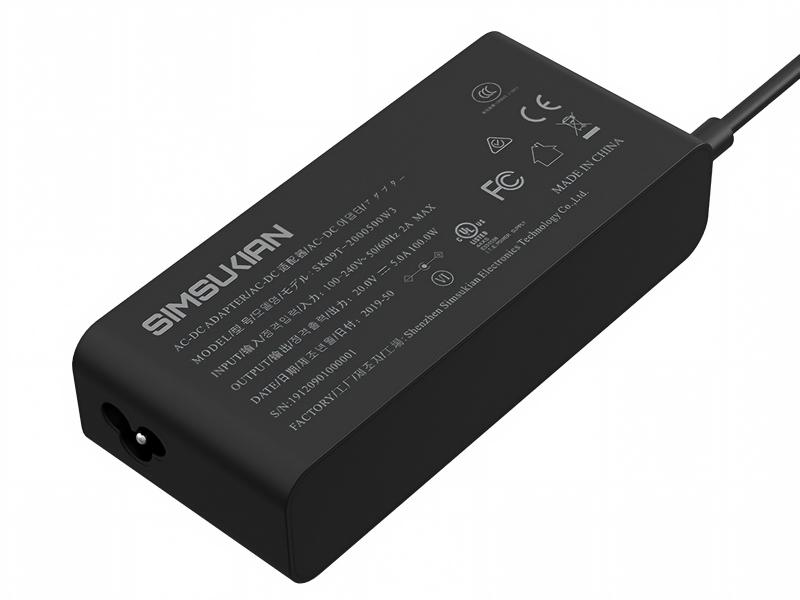
Four protection functions of the desktop power adapter work together to safeguard the supply and end loads under fault conditions. Threshold values, response speed and recovery mode must match application scenarios. If you require custom protection thresholds for desktop power adapter, contact Simsukian for protection datasheets.
References
1. Google Search Central E-E-A-T guidance
2. IEC 60950-1 IT equipment safety standard
Power adapter
Power adapter
Related Articles More>>
- Output Ripple Noise Parameters and Precision Load Matching Selection for Desktop Power Adapter
- From Pin to PCB: What's Inside a Wall Plug Power Adapter and Why Most Buyers Get It Wrong
- Wall Plug Power Adapter - CC/CV Output Parameters and Compact Energy Storage Matching Solution
- 20W PD GaN Fast Charger Industry Advantages & B2B Procurement Compliance Guide