

Abstract
Output cables and DC connectors of a desktop power adapter affect overall power stability. Overseas buyers must verify connector and cable parameters of the desktop power adapter. Desktop power adapter DC plug dimensions, wire gauge and voltage drop metrics. Focus on connector durability and contact resistance to match end device power interface requirements.
1. DC Output Plug Specifications of Desktop Power Adapter
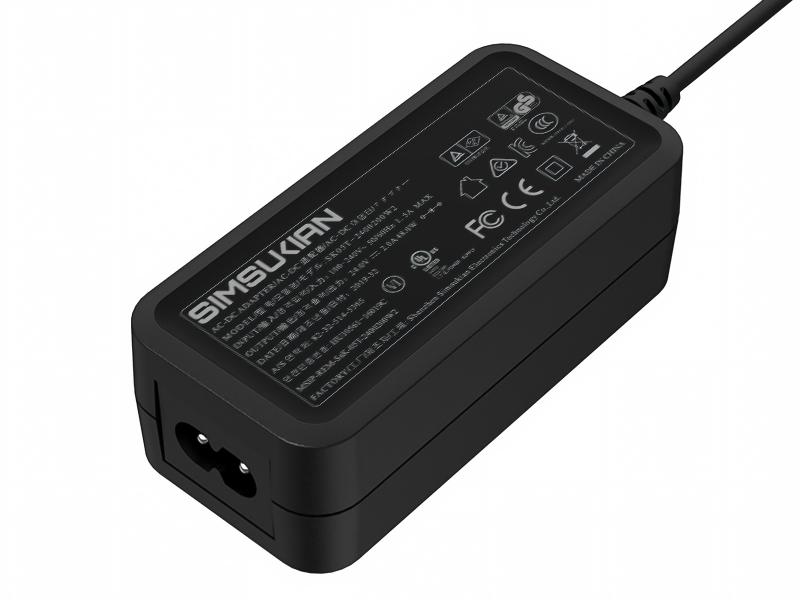
Standard DC output plug of the desktop power adapter features 5.5mm outer diameter with 2.1mm or 2.5mm inner pin options. The desktop power adapter DC plug uses center-positive standard wiring, with nickel-plated brass contacts to reduce contact resistance and oxidation. DC connector mating cycles of the desktop power adapter exceed 10,000 insertions for long-term contact stability. Custom output options include USB-C, terminal blocks and bare wire for special application scenarios.
2. Output Cable Electrical Parameters of Desktop Power Adapter
Output cable gauge of the desktop power adapter matches rated output current. AWG20 wire supports 2A output, AWG18 wire for 3A and above. Standard cable length of the desktop power adapter is 1.2 meters. DC resistance of AWG20 cable is approximately 33.3mΩ per meter, AWG18 around 21mΩ per meter. Cable resistance causes voltage drop at the output end. End-to-end voltage drop of the desktop power adapter under full load must stay within 3% of rated output to avoid insufficient supply voltage at the device.
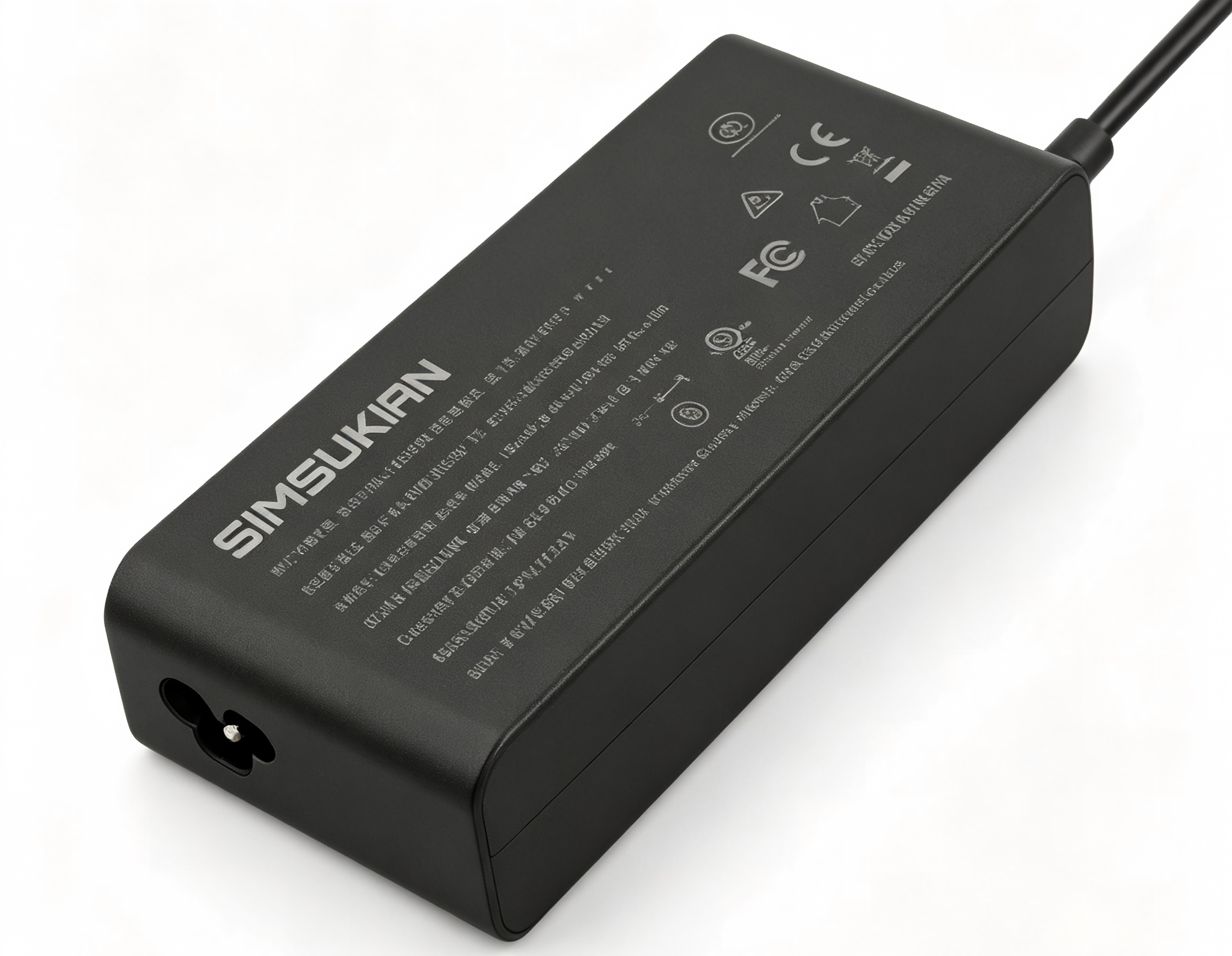
Output cable insulation of the desktop power adapter uses PVC material rated at 80℃ temperature. Conductors are stranded tinned copper for flexibility and bend resistance. Shielded output cable variants of the desktop power adapter reduce high-frequency radiation for strict EMC applications.
3. AC Input Connector Parameters of Desktop Power Adapter
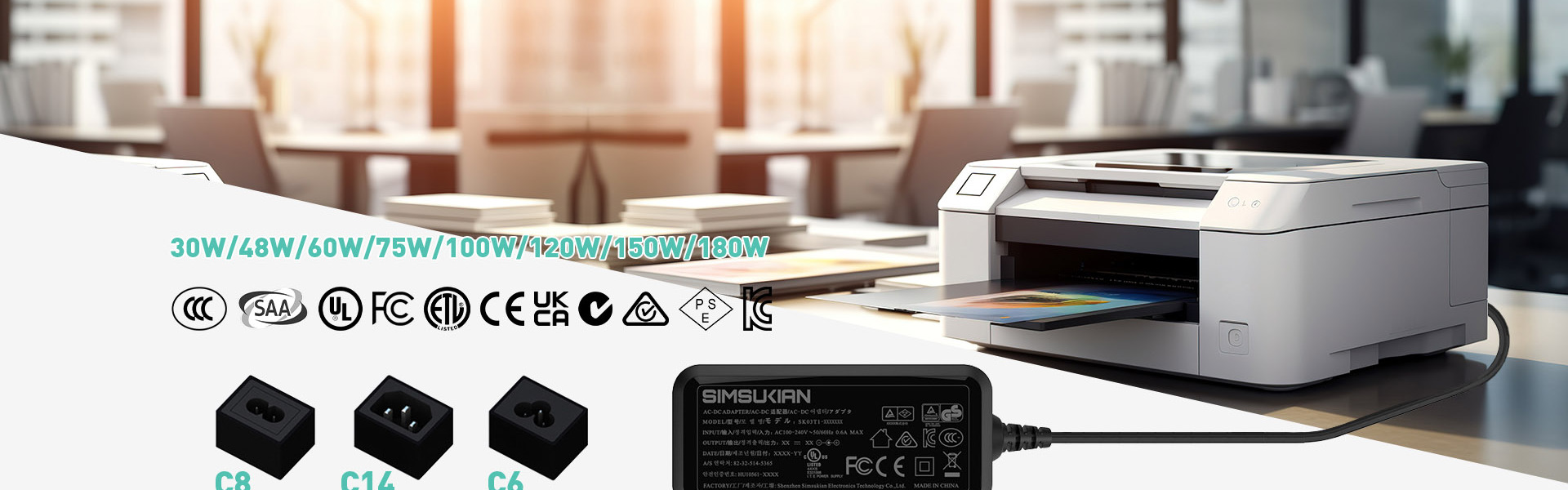
AC input inlet of the desktop power adapter uses IEC C14 socket compatible with C13 power cords for global plug standards. C14 inlet rating of the desktop power adapter is 250VAC 10A to support high-power models. AC input side of the desktop power adapter includes a fuse holder with rating matched to product power for overcurrent protection.
4. Connector Customization Selection Tips for Desktop Power Adapter
Output interfaces of the desktop power adapter can be customized based on end device requirements, including DC plug sizes, USB-C, aviation connectors and terminal blocks. Before purchasing desktop power adapter, confirm device-side power interface types to avoid compatibility issues. Custom cable length of the desktop power adapter must evaluate line loss impact. Long-distance power delivery requires thicker gauge wire to compensate voltage drop.
Conclusion
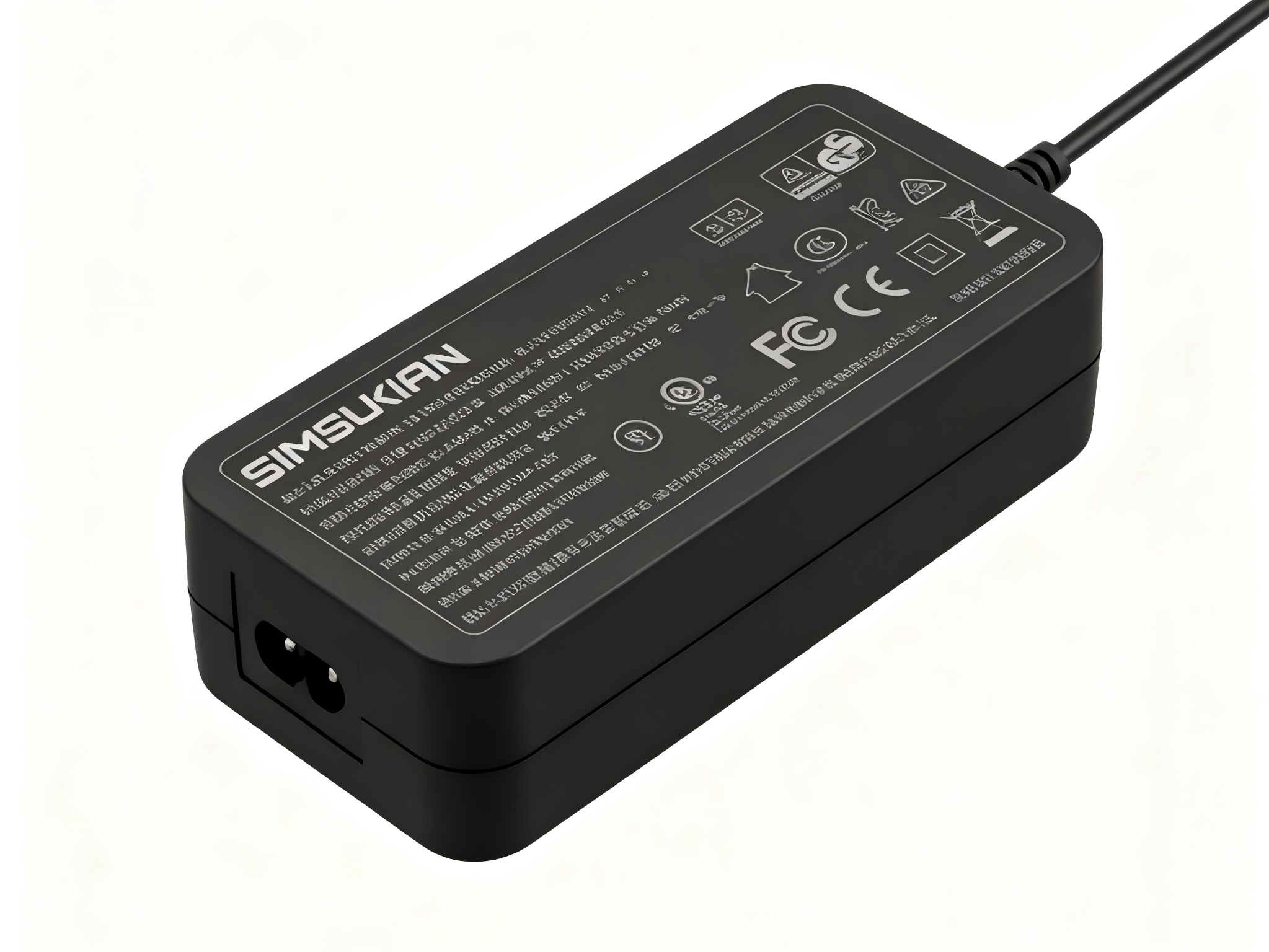
Output cable and connector parameters of the desktop power adapter directly influence end equipment power stability and usability. Wire gauge, plug size and cable length must be evaluated together with operating conditions. If you need custom output connector and cable solutions for desktop power adapter, contact Simsukian for connector drawings and samples.
References
1. Google Search Central E-E-A-T guidance
Power adapter
Power adapter
Related Articles More>>
- Insulation Safety Parameters and Reinforced Insulation Specification for Desktop Power Adapter
- Technical Standard and Measurement Specification for Level VI Energy Efficiency of Power Adapters
- Power Purity & Precision Equipment Adaptation Guide for Convertible Pin Power Adapters
- EMC Parameters and Filter Design Key Points for Desktop Power Adapter